
Check Website Rank on Google - Complete Guide
To check website rank on Google, I recommend using a rank tracker for keyword positions and Google Search Console for Google’s own average-position data. Free tools are limited and often manual; paid trackers are better for daily monitoring, device/location targeting, and competitor tracking.
This guide compares the best rank tracking tools and methods, including Google Search Console, Semrush, Ahrefs, and free alternatives like OpenSERPS. Learn how to monitor keyword rankings effectively and avoid common pitfalls.
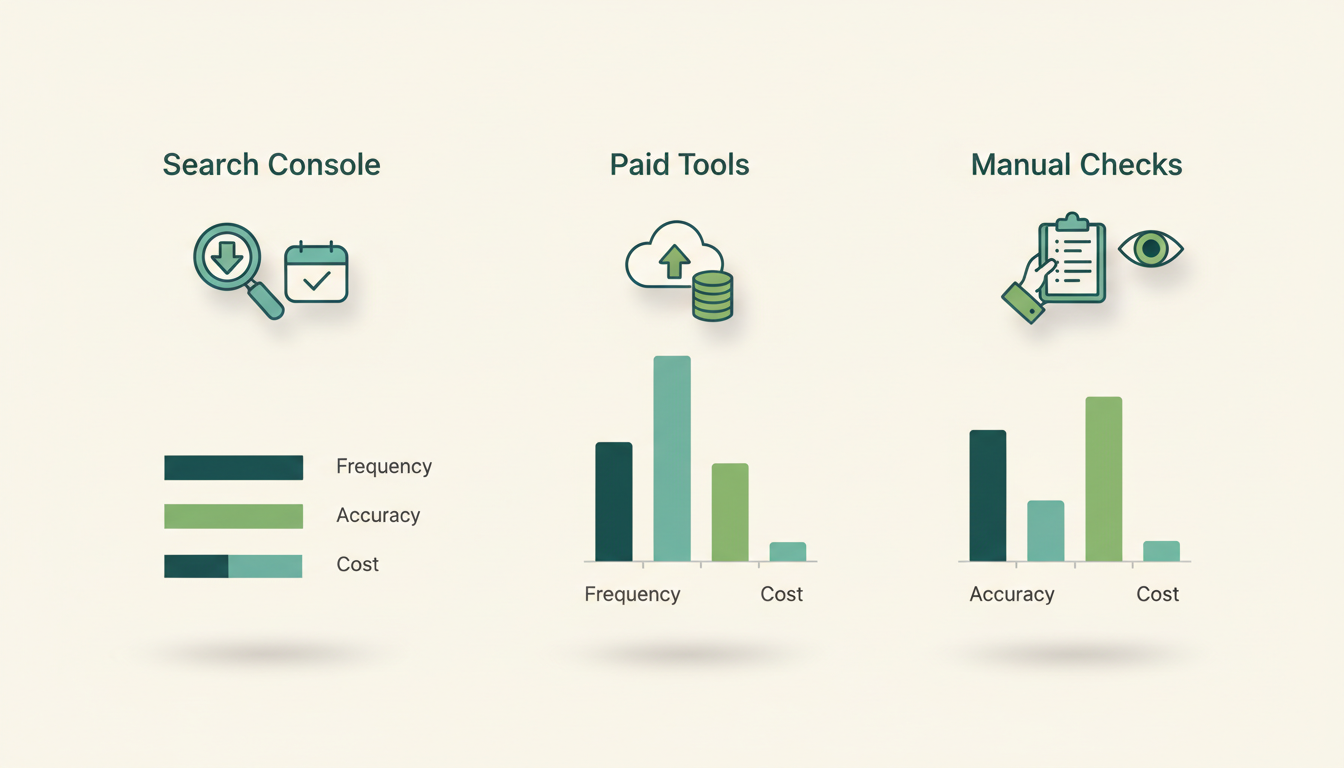
At a glance
- Best free tool
- Google Search Console
- Best for agencies
- Semrush, Ahrefs
- Best for frequent checks
- AccuRanker
- Tracking frequency
- Daily for competitive terms
Essential Rank Tracking Tools
These tools provide the most reliable methods to check website rank on Google:
- Google Search Console – Free baseline with Google's own data
- Semrush – Comprehensive SEO suite with rank tracking
- Ahrefs – Strong backlink analysis with rank monitoring
- AccuRanker – Specialist tool for frequent checks
- SE Ranking – Budget-friendly alternative
Google Search Console is the obvious starting point. It's free and the data comes from Google itself. But it reports average position, not a live rank for every query. For daily tracking, I turn to paid tools like Semrush or Ahrefs. They automate checks and let you filter by location and device. If you need frequent checks, AccuRanker is a specialist that does one thing well. SE Ranking is a budget-friendly alternative that still covers the basics. If you're new to SEO, start with my beginner's guide. For a deeper comparison of SEO suites, see my Ahrefs vs Moz post.
How to Track Rankings Effectively
Follow this process for accurate rank monitoring:
- Verify your site in Google Search Console
- Identify 20-50 priority keywords
- Set up tracking in your chosen tool
- Configure location/device filters matching your audience
- Schedule daily or weekly checks
- Compare trends, not daily fluctuations
Start by verifying your site in Google Search Console. Identify 20-50 priority keywords that matter to your business. Set up tracking in your chosen tool, configure location and device filters matching your audience. Schedule daily or weekly checks. Compare trends over time, not daily fluctuations. I've seen people panic over a one-day drop that means nothing. Learn more about my overall SEO methodology in Methods I use.
Common Tracking Mistakes
Avoid these errors when checking rankings:
- Treating Search Console's average position as live rank
- Not filtering by location/device type
- Tracking too many low-value keywords
- Ignoring ranking fluctuations due to personalization
- Using manual checks for ongoing reporting
The biggest mistake is treating Search Console's average position as a live rank. It's not. Also, not filtering by location or device type gives you misleading data. Tracking too many low-value keywords wastes time. And manual checks for ongoing reporting are inefficient. Use automation. For more on judging link quality, see How I judge links.
Interpreting Rank Data
Understand what ranking numbers actually mean:
- Positions 1-3: 30-40% of all clicks
- Positions 4-10: 5-10% of clicks
- Page 2+: Less than 1% CTR
- Ranking improvements often precede traffic growth by 2-4 weeks
- Seasonal fluctuations are normal in many industries
Google's John Mueller has said that Search Console's average position is not a precise rank but a useful trend indicator. Rand Fishkin often emphasizes that rank tracking should focus on trends over weeks, not daily fluctuations. Don't read too much into a single data point. For a broader view of SEO metrics, see my post on DA vs DR SEO Metrics.
How the methods differ
I keep three approaches in the toolkit. The comparison below is the short version of when I use each.
Rank Tracking Methods Compared
Key differences between major rank tracking approaches.
| Method | What it measures | Frequency | Location filtering | Cost | Best use case |
|---|---|---|---|---|---|
| Google Search ConsoleGoogle's official data for your property | Average position (aggregated) | Daily (aggregated) | Limited | Free | Baseline verification |
| Paid rank trackersAhrefs, Semrush, AccuRanker, etc. | Live SERP checks via tool crawls | Daily / hourly | Full geo & device filters | $99+/month typical | Ongoing monitoring |
| Manual checksIncognito / clean browser searches | Live SERP snapshot from your view | Manual | Limited | Free | Spot checks only |
Arguments for
- Google Search Console is free and data comes from Google.
- Paid trackers automate checks and scale better than manual tools.
- Good tools support device, country, and language targeting.
- Most suites add competitor tracking and history charts.
Arguments against
- Free checkers are often manual and not scalable.
- Average position in Search Console is easy to misread as a precise live rank.
- Many tools bundle rank tracking with extra SEO modules you may not need.
- Cheaper tools can have thinner data or fewer enterprise features.
What the experts say
Google's John Mueller has said that Search Console's average position is not a precise rank but a useful trend indicator.
Rand Fishkin often emphasizes that rank tracking should focus on trends over weeks, not daily fluctuations.
What it costs (and why prices are unreliable)
Free options exist, but the practical paid market in the provided sources starts around $29.90/month for Mangools, about $32/month for Nightwatch, 33€/month for DinoRANK, about $50/month for Serpstat, about $65/month for SE Ranking in one roundup, about $87.20/month for SE Ranking in another, about 99€/month for Ahrefs, and about $117.33/month or $139/month for Semrush depending on the source. Pricing is driven by keyword limits, refresh frequency, location/device support, competitor tracking, and whether the tool is a standalone tracker or a full SEO suite.
Frequently asked questions
What's the most accurate way to check rankings?
Combine Google Search Console data with a paid tracker using location/device filters matching your target audience.
How often should I check rankings?
Daily for competitive terms, weekly for others. Avoid checking more frequently as SERPs fluctuate naturally.
Why do rankings fluctuate daily?
Google tests different results, and personalization/localization affects what users see. Track trends over weeks, not daily changes.
Should I track mobile and desktop separately?
Yes, rankings often differ significantly between devices. Most tools allow separate tracking.
How many keywords should I track?
Start with 20-50 priority keywords. Tracking thousands of terms often yields diminishing returns.
Sources
Every factual claim on this page is drawn from the following independent sources. Links open in a new tab.
- Wanatop — Lists free rank tracking tools; explains Search Console average position and mentions tools like OpenSERPS, Serprobot, AccuRanker, and SEO PowerSuite Rank Tracker.
- SEOptimer — Ranks leading rank-tracking tools including SEOptimer, AccuRanker, Nightwatch, Keyword.com, Ahrefs, Semrush, SEO PowerSuite Rank Tracker, and Mangools SERPWatcher.
- Dataprix — Provides 2026 pricing examples for Semrush, Ahrefs, SE Ranking, Moz Pro, Mangools, Ubersuggest, Screaming Frog, DinoRank, and Google Search Console.
- Semrush — Describes Google Search Console as a free Google SEO tool and outlines its use for performance and visibility monitoring.
- Soy Javier López — Notes BrightLocal for local Google rankings and Google Business Profile tracking.
- DinoRANK — Compares major rank trackers and gives example monthly prices and feature scores for tools like DinoRANK, Semrush, Ahrefs, SE Ranking, Mangools, SEO PowerSuite, Serpstat, and Nightwatch.
- Appvizer — Mentions Google Search Console and Ubersuggest as starting points for position tracking.